Practice Better Demo

Create a custom booking page for your team

Custom branded booking pages for solo practitioners and group practices. However you organize your services — by client type, location, or care team — you control exactly which products clients see and how they're presented. Add your own branding so every booking page feels like a natural extension of your practice.

HIPAA logoPIPEDA logoGDPR logoG2 bannerCapterra badge

See a team booking page in action

This interactive demo walks through creating a Team Bookings Page in Practice Better — selecting which team members and products to include, then customizing and sharing the page with clients. See how group practices give clients a single link to book sessions, programs, and more across the entire team. No signup required to explore.


Frequently asked questions

What is a Team Bookings Page in Practice Better?

A Team Bookings Page is a shared booking link that lists services, packages, and programs from multiple practitioners on your team, so clients can request sessions with any team member from one page. Team Bookings Pages are available on the Team plan, and only the team account owner can create one.

Can I customize which team members and products appear on my Team Bookings Page?

Yes. You can choose which team members appear, limit the products shown, and organize offerings into categories, so the page reflects only what you want clients to see.

Can I add my own branding to my booking page?

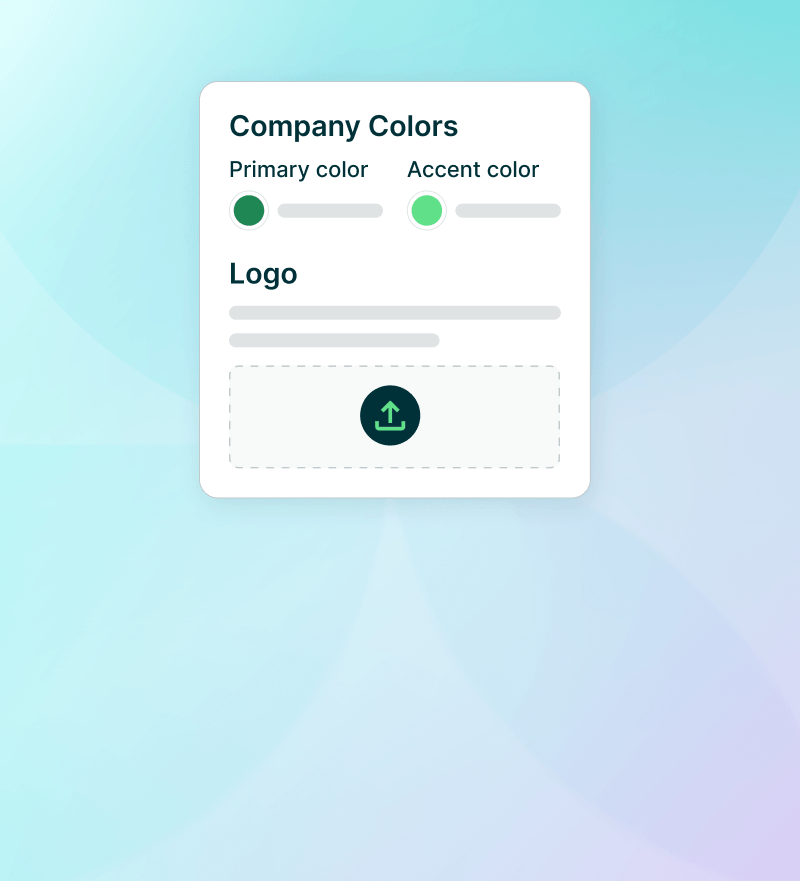
Yes. On the Plus plan and higher, you can add your own colors, logo, and a personalized subdomain to your Bookings Pages, including Team Bookings Pages.

Is there a demo of Practice Better's team bookings page features I can explore without signing up?

Yes — this is a no-commitment interactive demo of Practice Better's team bookings page tools. No signup or credit card required. For more interactive demos, check out our full Demo Center library.

Give clients one link to book across your entire team.

Get your team's booking page live today