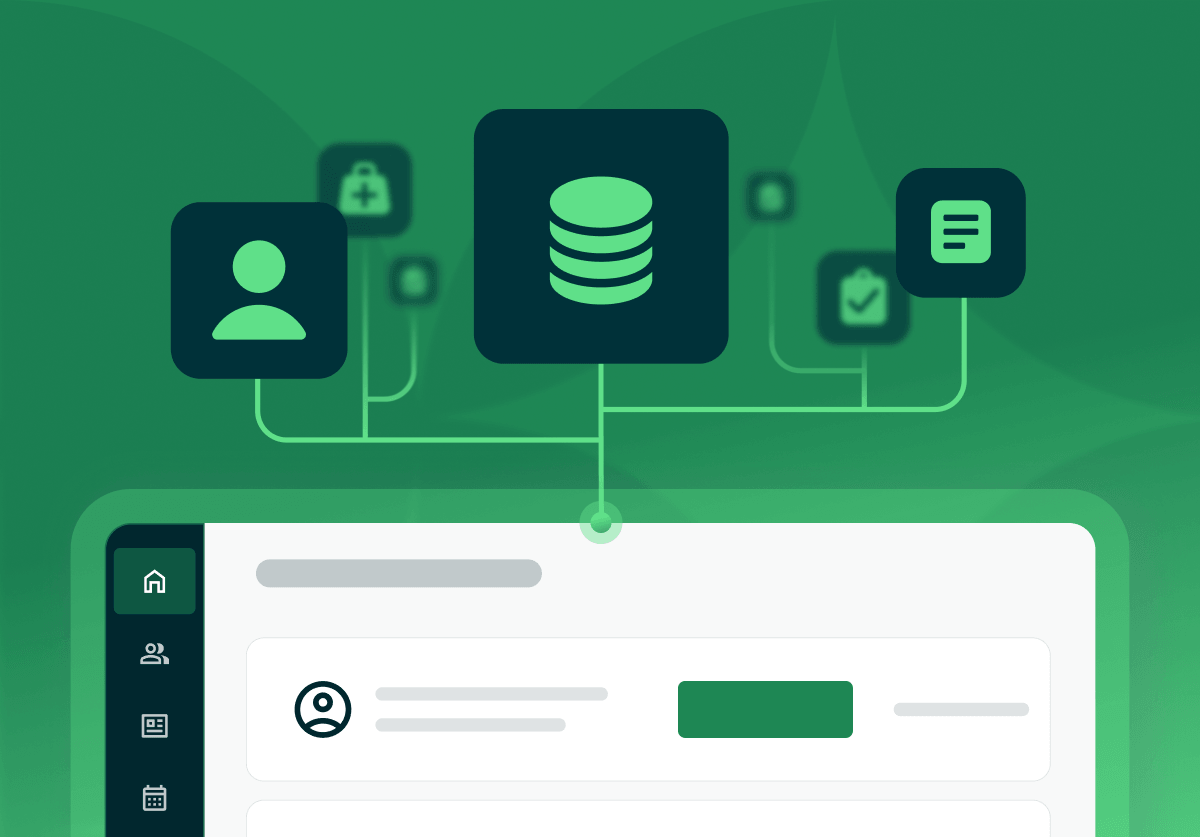
Quick answer: an EHR stores the clinical record, and practice management software runs the business operations: scheduling, billing, and claims. You need both functions, and many platforms now combine them into one system, so a documented visit flows straight into a paid claim.
EHR and practice management software is the combined toolset that runs a health practice. The EHR (electronic health record) holds the clinical chart: notes, diagnoses, medications, and e-prescribing. The practice management side runs the business: scheduling, billing, insurance claims, and reporting. Many platforms deliver both in one system, which is why Practice Better describes itself as all-in-one EHR and practice management software.
Yes. A practice needs the clinical record an EHR provides and the business operations practice management software handles. They do different jobs, so both functions have to be covered somewhere. The real decision is whether to run them as two separate systems or as one integrated platform.
An EHR stores the clinical record; practice management software runs the administrative and financial side. Here is the split at a glance:
| EHR | Practice management software | |
|---|---|---|
| Job | The clinical chart | The business operations |
| Handles | Notes, diagnoses, medications, e-prescribing | Scheduling, insurance, billing, claims, reporting |
| Output | A complete patient record | A paid, reconciled visit |
That is the short version. For a fuller breakdown of the two, see the guide to the difference between practice management software and an EHR.
When the two systems are not connected, staff re-enter the same patient and visit details in each one. That double entry is slow, and it introduces mismatches: a charge that does not match the note, an address updated in one place but not the other. Those mismatches surface later as denied claims and reconciliation work. Connecting the two systems, or running one platform, is what closes that gap.
An integrated system shares one record, so a documented visit flows straight into a claim with no re-entry. That single design choice drives the benefit:
Running an EHR and a separate practice management tool is workable, and it leaves you maintaining two contracts, two logins, and the connection between them. An integrated platform removes that overhead.
In one system, a patient books online, completes intake, and that information lands in the chart before the visit starts. The clinician documents the session, and the visit's codes and charges flow into a claim without anyone re-typing them. The claim goes out, the payment posts back to the same record, and the full trail sits in one place. Each step feeds the next, so the front desk, the clinician, and the billing side all work from the same data instead of copying it between apps.
Separate systems make sense when a practice already runs a large enterprise EHR it cannot replace, or when a specialty needs a best-in-class clinical tool that a combined platform does not match. In those cases the practice keeps both systems and pays to connect them. For a solo or small practice starting fresh, one integrated platform is simpler to run and cheaper to own, because there is no second contract and no integration to maintain.
Look for the clinical and business functions in one system: scheduling with reminders, charting, a client portal, billing and insurance claims, secure messaging, and reporting. For a cloud platform, updates and backups should be handled by the vendor. If you also run virtual visits, built-in telehealth keeps that in the same login. Practice Better brings these together for health and wellness practices, and it reports being trusted by over 50,000 practitioners.
It can be, when the vendor signs a Business Associate Agreement and encrypts data in transit and at rest. Compliance depends on the platform and how you configure it, so confirm the BAA and security practices with any vendor before you store patient information.
Moving to an integrated platform follows a short path: export your client and clinical data from the current systems, confirm the new platform imports it cleanly, migrate during a quiet stretch of the calendar, and run both in parallel for a short window until the new system is trusted. Check how a platform handles data export before you commit, so you keep control of your records. A guide to switching your EHR covers doing it without losing data.
{{ehr-migration-checklist}}
Pricing is usually a monthly subscription per provider, and it rises with team size, claims volume, and integrations. Some billing-led platforms charge a percentage of collections instead of a flat fee. A combined platform often costs less than two separate tools once you add up both subscriptions and the work of keeping them in sync. A free trial lets a practice test the workflow before committing.
If you are choosing between an integrated platform and a two-system setup, the fastest way to judge fit is to run a real week through one system. Start a free trial of Practice Better, or weigh the options on the comparison pages.
{{free-trial-simple-text}}

Quick answer: an EHR stores the clinical record, and practice management software runs the business operations: scheduling, billing, and claims. You need both functions, and many platforms now combine them into one system, so a documented visit flows straight into a paid claim.
EHR and practice management software is the combined toolset that runs a health practice. The EHR (electronic health record) holds the clinical chart: notes, diagnoses, medications, and e-prescribing. The practice management side runs the business: scheduling, billing, insurance claims, and reporting. Many platforms deliver both in one system, which is why Practice Better describes itself as all-in-one EHR and practice management software.
Yes. A practice needs the clinical record an EHR provides and the business operations practice management software handles. They do different jobs, so both functions have to be covered somewhere. The real decision is whether to run them as two separate systems or as one integrated platform.
An EHR stores the clinical record; practice management software runs the administrative and financial side. Here is the split at a glance:
| EHR | Practice management software | |
|---|---|---|
| Job | The clinical chart | The business operations |
| Handles | Notes, diagnoses, medications, e-prescribing | Scheduling, insurance, billing, claims, reporting |
| Output | A complete patient record | A paid, reconciled visit |
That is the short version. For a fuller breakdown of the two, see the guide to the difference between practice management software and an EHR.
When the two systems are not connected, staff re-enter the same patient and visit details in each one. That double entry is slow, and it introduces mismatches: a charge that does not match the note, an address updated in one place but not the other. Those mismatches surface later as denied claims and reconciliation work. Connecting the two systems, or running one platform, is what closes that gap.
An integrated system shares one record, so a documented visit flows straight into a claim with no re-entry. That single design choice drives the benefit:
Running an EHR and a separate practice management tool is workable, and it leaves you maintaining two contracts, two logins, and the connection between them. An integrated platform removes that overhead.
In one system, a patient books online, completes intake, and that information lands in the chart before the visit starts. The clinician documents the session, and the visit's codes and charges flow into a claim without anyone re-typing them. The claim goes out, the payment posts back to the same record, and the full trail sits in one place. Each step feeds the next, so the front desk, the clinician, and the billing side all work from the same data instead of copying it between apps.
Separate systems make sense when a practice already runs a large enterprise EHR it cannot replace, or when a specialty needs a best-in-class clinical tool that a combined platform does not match. In those cases the practice keeps both systems and pays to connect them. For a solo or small practice starting fresh, one integrated platform is simpler to run and cheaper to own, because there is no second contract and no integration to maintain.
Look for the clinical and business functions in one system: scheduling with reminders, charting, a client portal, billing and insurance claims, secure messaging, and reporting. For a cloud platform, updates and backups should be handled by the vendor. If you also run virtual visits, built-in telehealth keeps that in the same login. Practice Better brings these together for health and wellness practices, and it reports being trusted by over 50,000 practitioners.
It can be, when the vendor signs a Business Associate Agreement and encrypts data in transit and at rest. Compliance depends on the platform and how you configure it, so confirm the BAA and security practices with any vendor before you store patient information.
Moving to an integrated platform follows a short path: export your client and clinical data from the current systems, confirm the new platform imports it cleanly, migrate during a quiet stretch of the calendar, and run both in parallel for a short window until the new system is trusted. Check how a platform handles data export before you commit, so you keep control of your records. A guide to switching your EHR covers doing it without losing data.
{{ehr-migration-checklist}}
Pricing is usually a monthly subscription per provider, and it rises with team size, claims volume, and integrations. Some billing-led platforms charge a percentage of collections instead of a flat fee. A combined platform often costs less than two separate tools once you add up both subscriptions and the work of keeping them in sync. A free trial lets a practice test the workflow before committing.
If you are choosing between an integrated platform and a two-system setup, the fastest way to judge fit is to run a real week through one system. Start a free trial of Practice Better, or weigh the options on the comparison pages.
{{free-trial-simple-text}}