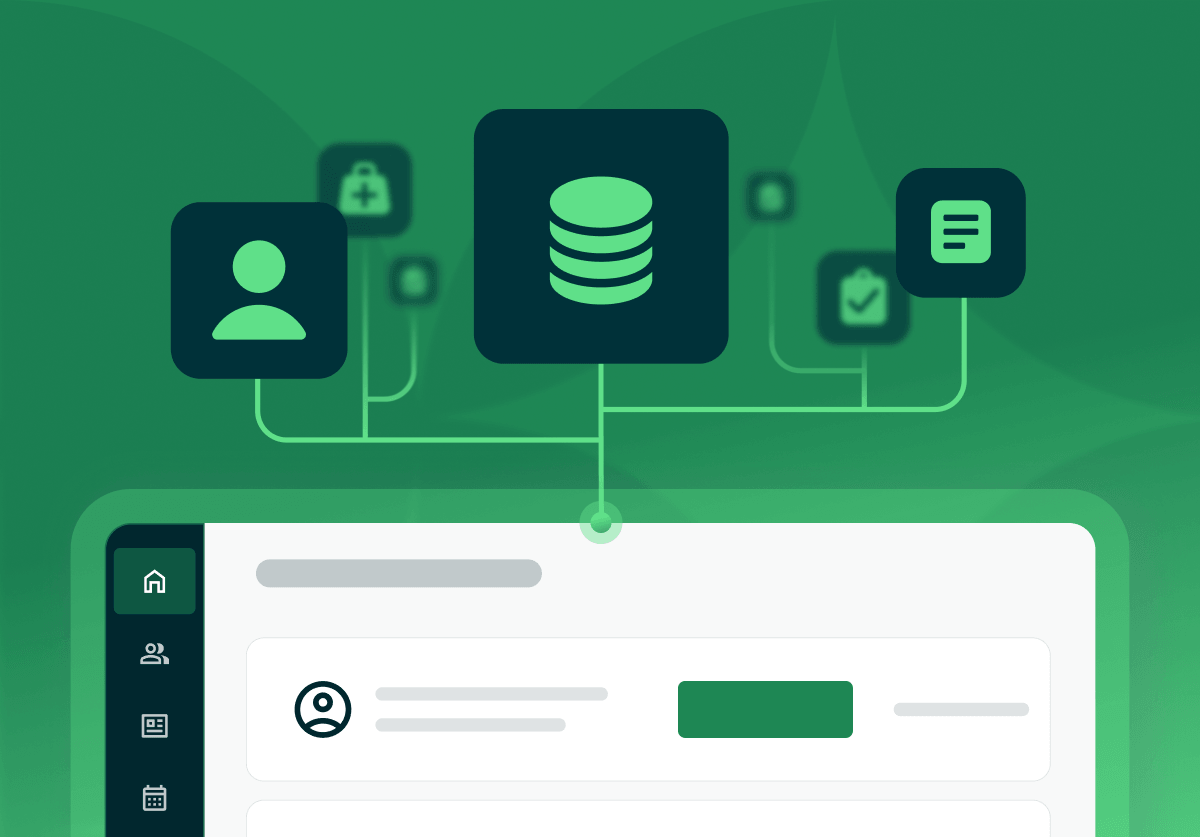
Medical practice management software is a platform that runs the business side of a medical practice: patient scheduling, insurance eligibility, billing and claims, and reporting. It handles the administrative and financial operations, while an electronic health record stores the clinical chart. Many platforms now combine both in one system.
The search results for this term lean toward enterprise systems built for hospitals and large medical groups, with heavy revenue-cycle machinery to match. This guide takes a different starting point: a small or independent practice that wants to run scheduling, billing, and records without an IT department. It explains what the software does, how it differs from an EHR, what to check before you buy, and where an all-in-one platform fits for a practice of your size.
Practice management software keeps the front office running: it books patients, checks insurance, sends claims, collects payments, and reports on the numbers. For a small practice, the deciding question is scope. A platform that also carries your clinical charting, patient portal, and secure messaging in one login replaces a stack of separate tools and the manual work of moving data between them.
Enterprise platforms solve for hospital-scale complexity and price accordingly. A solo or small practice gets more value from a cloud platform built for its scale, where you configure the system yourself and support answers when you call. The sections below turn that into a checklist.
Practice management software runs the business: scheduling, insurance, billing, claims, and reporting. An EHR stores the clinical record: notes, diagnoses, medications, and history. This is the distinction the category is built on, and a good platform connects the two.
| Practice management software | EHR (electronic health record) | |
|---|---|---|
| Primary job | The business: scheduling, insurance, billing, claims, reporting | The clinical record: notes, diagnoses, medications, history |
| Primary users | Front desk, billing, practice owner | Clinicians during and after a visit |
| Core output | A paid, reconciled visit | A complete, compliant patient chart |
| The gap it leaves alone | Clinical documentation | Getting paid |
Historically these were two separate purchases that had to be wired together. Today many vendors combine them, so a documented visit flows straight into a claim with no re-keying. For a small practice, a combined platform removes the integration project entirely. Practice Better pairs clinical charting with billing and insurance in the same system, so the clinical and business sides share one record.
It does six daily jobs: patient scheduling, insurance and eligibility checks, billing and claims, a patient portal, charting or a clean EHR link, and reporting. A platform worth buying covers all of them in one place.
When these live in separate apps, you pay for each, learn each, and copy data between them by hand. An all-in-one practice management platform folds them into one login, which is the practical reason smaller practices move to a single system. If you want a feature-by-feature view of the clinical side, the best EHR for private practices walks through what to look for.
Weigh five criteria sized to your practice: right-sized complexity, setup you can finish yourself, cloud access, support that answers, and a trial you run on live work. A hospital and a two-provider clinic have different problems, so the feature count that wins enterprise reviews is the wrong yardstick here.
Two more reads help here. If you are comparing against a named medical EHR, Practice Better vs Practice Fusion puts the features side by side, and if you are moving off an existing system, switching your EHR covers how to do it without losing data.
{{ehr-migration-checklist}}
Any system that holds patient information has to meet HIPAA, and confirming that is on you. Ask three questions of every vendor:
A cloud platform can offer stronger security than a computer in the back office, because the vendor maintains patches, backups, and monitoring full-time. That holds only when the vendor signs the BAA and configures the platform correctly, so treat the BAA as a requirement.
Medical practice management software is usually a monthly subscription per provider, and the price climbs with claims volume, integrations, and team size. Some billing-focused platforms charge a percentage of collections instead of a flat fee, which suits practices that want the vendor to run the billing for them.
Two costs hide behind the sticker price. A cheap single-purpose tool can cost more than an all-in-one platform once you add the separate scheduler, billing service, and patient-portal app you needed anyway. And switching later carries its own cost in time, so a platform you can grow into is often cheaper across a few years.
Practice Better prices per practitioner on a monthly subscription, starting at $35 per month, or $25 per month billed annually. The Professional plan runs $69 per month and the Plus plan $99 per month, both lower on an annual term, and the Team plan for group practices is $155 per month and includes migration support. Every paid plan comes with a free trial: 14 days on most plans, and 30 days on the Team plan. A free Sprout plan covers students and recent graduates. Current details are on the pricing page.
Practice Better is an all-in-one, cloud-based platform for health and wellness practices, and it reports being trusted by over 50,000 practitioners. It brings scheduling, charting, billing and insurance, the patient portal, telehealth, and secure messaging into one login, which matches the single-system, right-sized criteria above. It serves independent practices across disciplines, including medical practices and nurse practitioners.
Large hospitals and multi-specialty groups run enterprise systems built for that scale. A solo or small practice is better served by a platform sized to it. To see how Practice Better lines up against a specific tool, the side-by-side comparisons put the features next to each other, and the honest test is your own workflow: start a free trial, run a real week through it, and see whether it fits.
{{free-trial-simple-text}}
It is the system that runs a practice's front office and finances: booking patients, checking insurance, sending claims, collecting payments, and reporting on the numbers. The clinical chart sits in an electronic health record, and many vendors now sell both sides in one platform.
It can be, when the vendor signs a Business Associate Agreement and encrypts data in transit and at rest. Compliance depends on the platform and your configuration, so confirm the BAA and security practices with any vendor before you store patient information.
The best fit for a small or independent practice is an all-in-one, cloud-based platform that covers scheduling, charting, billing, and client communication without enterprise complexity or a large IT budget. Enterprise systems suit hospitals and large groups; a smaller practice is better served by a platform built for its scale.
Top-five lists vary by who compiled them, by discipline, and by the size of practice they have in mind. A wellness or independent medical practice gets further by matching a platform to its own daily workflow than by following a general ranking. Practice Better's side-by-side comparisons put specific platforms next to each other on features.
Free and free-tier EMRs exist. Before you rely on one, check whether the free tier carries per-claim fees, paid add-ons, or a provider limit, and confirm the vendor will sign a Business Associate Agreement, because a platform without one cannot hold patient data compliantly.

Medical practice management software is a platform that runs the business side of a medical practice: patient scheduling, insurance eligibility, billing and claims, and reporting. It handles the administrative and financial operations, while an electronic health record stores the clinical chart. Many platforms now combine both in one system.
The search results for this term lean toward enterprise systems built for hospitals and large medical groups, with heavy revenue-cycle machinery to match. This guide takes a different starting point: a small or independent practice that wants to run scheduling, billing, and records without an IT department. It explains what the software does, how it differs from an EHR, what to check before you buy, and where an all-in-one platform fits for a practice of your size.
Practice management software keeps the front office running: it books patients, checks insurance, sends claims, collects payments, and reports on the numbers. For a small practice, the deciding question is scope. A platform that also carries your clinical charting, patient portal, and secure messaging in one login replaces a stack of separate tools and the manual work of moving data between them.
Enterprise platforms solve for hospital-scale complexity and price accordingly. A solo or small practice gets more value from a cloud platform built for its scale, where you configure the system yourself and support answers when you call. The sections below turn that into a checklist.
Practice management software runs the business: scheduling, insurance, billing, claims, and reporting. An EHR stores the clinical record: notes, diagnoses, medications, and history. This is the distinction the category is built on, and a good platform connects the two.
| Practice management software | EHR (electronic health record) | |
|---|---|---|
| Primary job | The business: scheduling, insurance, billing, claims, reporting | The clinical record: notes, diagnoses, medications, history |
| Primary users | Front desk, billing, practice owner | Clinicians during and after a visit |
| Core output | A paid, reconciled visit | A complete, compliant patient chart |
| The gap it leaves alone | Clinical documentation | Getting paid |
Historically these were two separate purchases that had to be wired together. Today many vendors combine them, so a documented visit flows straight into a claim with no re-keying. For a small practice, a combined platform removes the integration project entirely. Practice Better pairs clinical charting with billing and insurance in the same system, so the clinical and business sides share one record.
It does six daily jobs: patient scheduling, insurance and eligibility checks, billing and claims, a patient portal, charting or a clean EHR link, and reporting. A platform worth buying covers all of them in one place.
When these live in separate apps, you pay for each, learn each, and copy data between them by hand. An all-in-one practice management platform folds them into one login, which is the practical reason smaller practices move to a single system. If you want a feature-by-feature view of the clinical side, the best EHR for private practices walks through what to look for.
Weigh five criteria sized to your practice: right-sized complexity, setup you can finish yourself, cloud access, support that answers, and a trial you run on live work. A hospital and a two-provider clinic have different problems, so the feature count that wins enterprise reviews is the wrong yardstick here.
Two more reads help here. If you are comparing against a named medical EHR, Practice Better vs Practice Fusion puts the features side by side, and if you are moving off an existing system, switching your EHR covers how to do it without losing data.
{{ehr-migration-checklist}}
Any system that holds patient information has to meet HIPAA, and confirming that is on you. Ask three questions of every vendor:
A cloud platform can offer stronger security than a computer in the back office, because the vendor maintains patches, backups, and monitoring full-time. That holds only when the vendor signs the BAA and configures the platform correctly, so treat the BAA as a requirement.
Medical practice management software is usually a monthly subscription per provider, and the price climbs with claims volume, integrations, and team size. Some billing-focused platforms charge a percentage of collections instead of a flat fee, which suits practices that want the vendor to run the billing for them.
Two costs hide behind the sticker price. A cheap single-purpose tool can cost more than an all-in-one platform once you add the separate scheduler, billing service, and patient-portal app you needed anyway. And switching later carries its own cost in time, so a platform you can grow into is often cheaper across a few years.
Practice Better prices per practitioner on a monthly subscription, starting at $35 per month, or $25 per month billed annually. The Professional plan runs $69 per month and the Plus plan $99 per month, both lower on an annual term, and the Team plan for group practices is $155 per month and includes migration support. Every paid plan comes with a free trial: 14 days on most plans, and 30 days on the Team plan. A free Sprout plan covers students and recent graduates. Current details are on the pricing page.
Practice Better is an all-in-one, cloud-based platform for health and wellness practices, and it reports being trusted by over 50,000 practitioners. It brings scheduling, charting, billing and insurance, the patient portal, telehealth, and secure messaging into one login, which matches the single-system, right-sized criteria above. It serves independent practices across disciplines, including medical practices and nurse practitioners.
Large hospitals and multi-specialty groups run enterprise systems built for that scale. A solo or small practice is better served by a platform sized to it. To see how Practice Better lines up against a specific tool, the side-by-side comparisons put the features next to each other, and the honest test is your own workflow: start a free trial, run a real week through it, and see whether it fits.
{{free-trial-simple-text}}
It is the system that runs a practice's front office and finances: booking patients, checking insurance, sending claims, collecting payments, and reporting on the numbers. The clinical chart sits in an electronic health record, and many vendors now sell both sides in one platform.
It can be, when the vendor signs a Business Associate Agreement and encrypts data in transit and at rest. Compliance depends on the platform and your configuration, so confirm the BAA and security practices with any vendor before you store patient information.
The best fit for a small or independent practice is an all-in-one, cloud-based platform that covers scheduling, charting, billing, and client communication without enterprise complexity or a large IT budget. Enterprise systems suit hospitals and large groups; a smaller practice is better served by a platform built for its scale.
Top-five lists vary by who compiled them, by discipline, and by the size of practice they have in mind. A wellness or independent medical practice gets further by matching a platform to its own daily workflow than by following a general ranking. Practice Better's side-by-side comparisons put specific platforms next to each other on features.
Free and free-tier EMRs exist. Before you rely on one, check whether the free tier carries per-claim fees, paid add-ons, or a provider limit, and confirm the vendor will sign a Business Associate Agreement, because a platform without one cannot hold patient data compliantly.