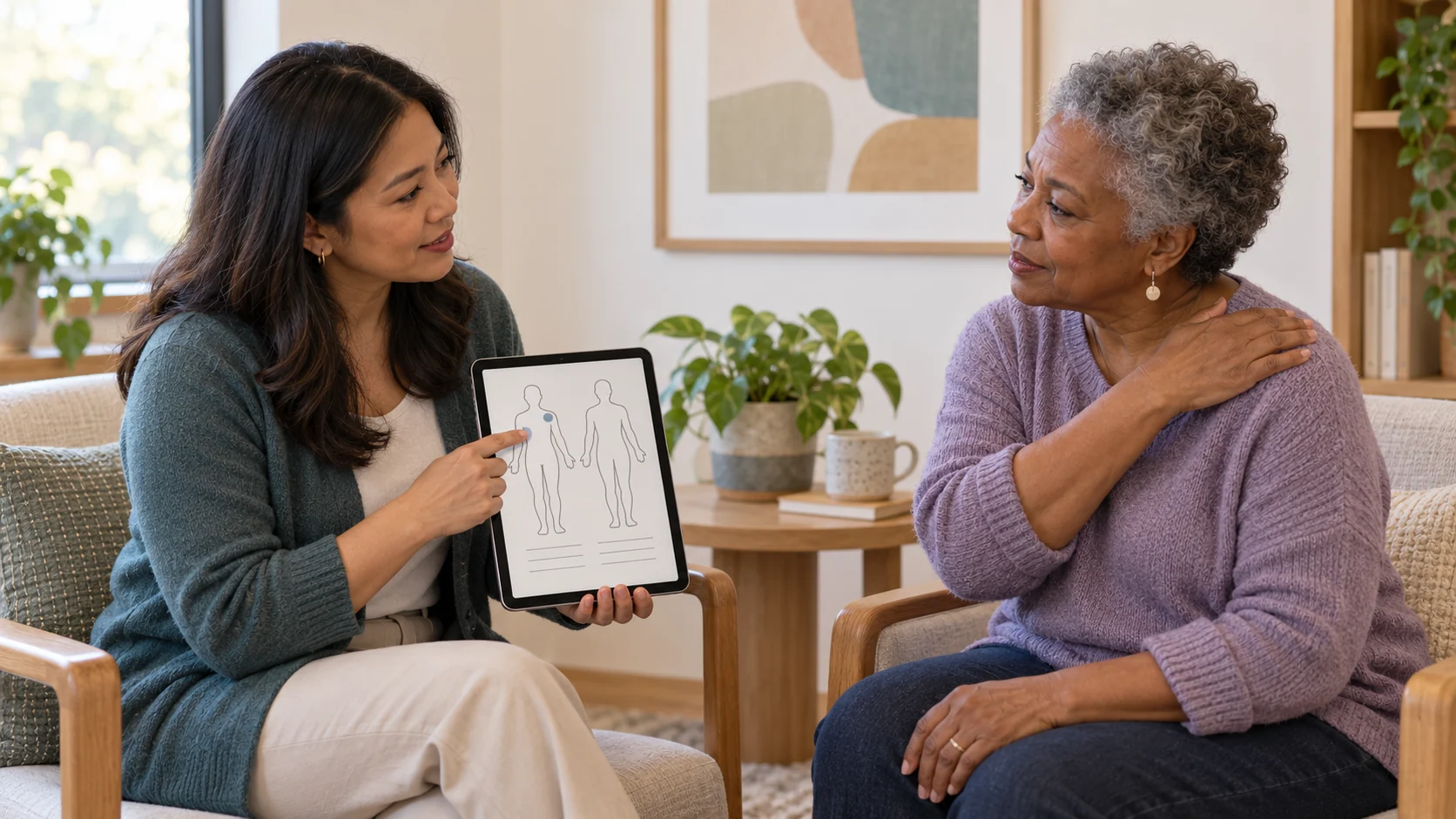
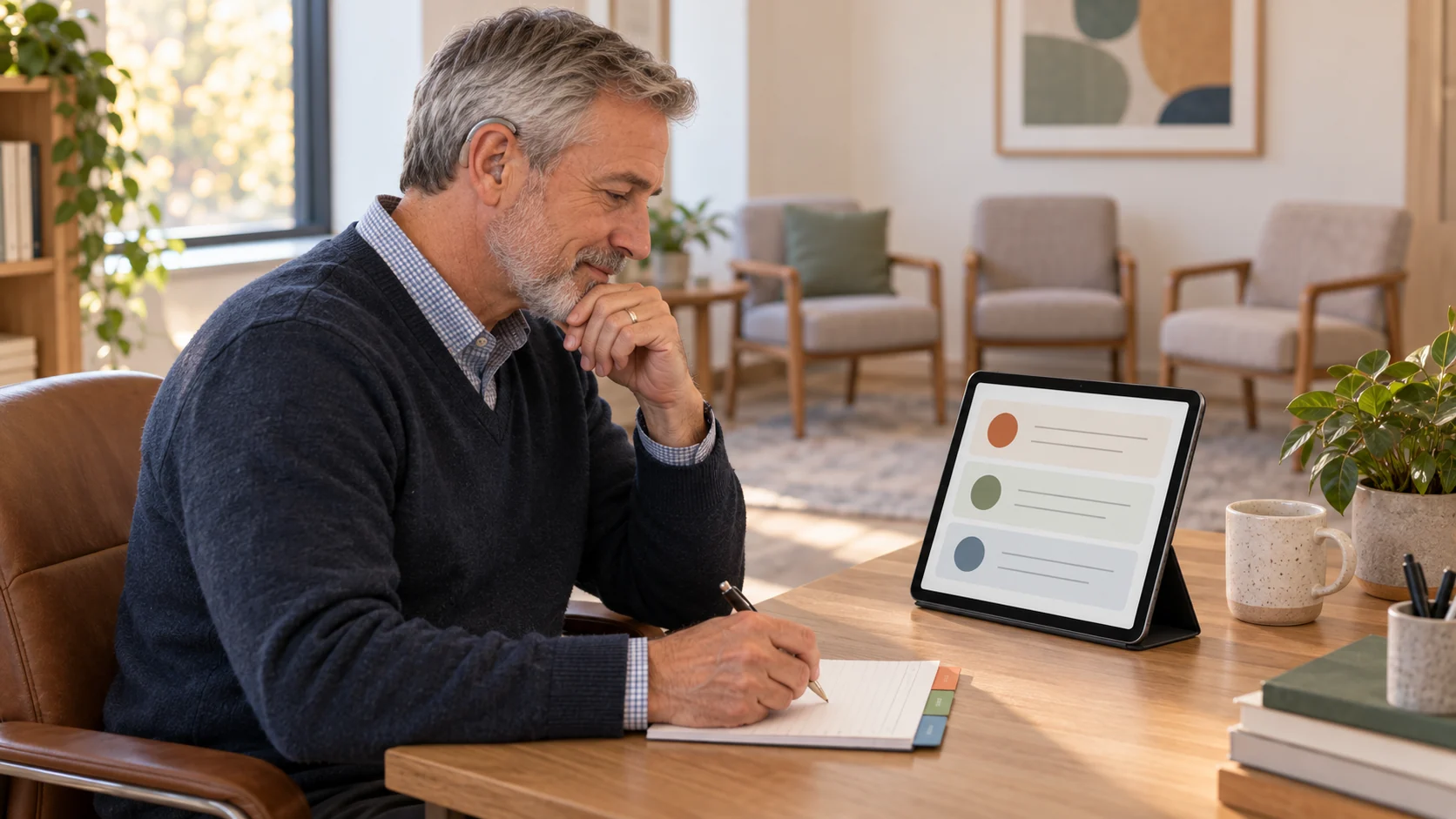
Every few months, a new AI documentation tool launches with the promise of eliminating your note-writing burden forever. The demos look clean. The testimonials are from physicians. Browse the specialty lists on the most widely adopted AI scribes and you'll find Primary Care, Specialists, Nursing, Mental Health, Allied Health, Dentists, Aged Care, and Veterinarians. Dietitians, health coaches, and functional medicine practitioners are often conspicuously absent.
These tools were built around physician workflows: short problem-focused encounters, SOAP notes, EHR integrations built for hospital billing. And six weeks after you've set one up, you may still be spending 20 minutes per session cleaning up outputs that were never designed for a 50-minute nutrition counseling session.
Here's what to evaluate before you choose.
This is the first question to ask — before features, before pricing.
Some AI scribes improve their models by training on de-identified session recordings. For practitioners working with clients on eating disorders, disordered relationships with food, mental health comorbidities, or other sensitive presentations, this matters in ways that go beyond HIPAA compliance. Clients share things in session that they haven't shared anywhere else. Understanding exactly how that data is used is a non-negotiable part of your due diligence.
Look for tools that address this directly, and ask the question explicitly during evaluation: is session data used for model training? For prompt improvement? For sharing with third parties? Ask the vendor directly before you sign up. It's a reasonable question and the answer tells you a lot.
There are three main approaches to AI documentation, and they suit different practitioners differently.
Ambient scribing listens passively during the session and generates a note when the call ends: no dictation, no pausing. Best for telehealth-heavy practices where the session flows naturally and you want zero additional steps.
Post-session voice dictation lets you summarize after the client leaves. You talk through what happened; the tool structures it. Better for practitioners who prefer to process and then document.
Template-assisted auto-complete fills in your existing note templates based on session history and your documentation patterns. Faster than typing, but you're still directing the output.
The right approach is the one that fits how you already work, not the one that requires changing your habits to match the tool.
SOAP notes were designed for physician encounters. They work reasonably well for quick problem-focused visits. They're not always the right fit for the kind of longitudinal, behavior-change-centered documentation most health and wellness practitioners write.
Depending on your discipline, you may need:
Ask directly: can the tool generate output in your format, or will you be manually restructuring every note?
{{future-proofing-your-holistic-practice-lead-magnet-simple-text}}
If you're seeing clients virtually, your AI scribe needs to work seamlessly inside your telehealth workflow. Tools that require a separate recording upload, a different platform, or a manual step between the session ending and the note generating create friction that compounds across a full day of appointments.
The cleanest setup: a tool where telehealth and AI charting are built into the same platform — so the session ends, the note generates, and it's already attached to the right client record.
An AI-generated note is only useful if it lands in the right place without extra steps. Most tools offer EHR integrations, but coverage varies. And if your practice management platform isn't on the supported list, you're back to copy-pasting or maintaining two systems.
The most efficient setup keeps documentation inside the platform you already use for scheduling, client records, and billing. When the note generates and attaches to the right client record automatically, the workflow is complete.
General-purpose AI scribes produce outputs trained on broad clinical language data. In practice, this creates issues specific to nutrition and wellness contexts. Practitioners working with eating disorder clients have reported AI charting tools defaulting to diet culture language in client-facing sections — a gap documented in real-world use — that required correction before outputs could be shared. The further your practice sits from conventional primary care, the more likely the default output reflects assumptions that don't fit your work.
Test this before committing. Run the tool on a real session and review the output for clinical framing, terminology, and any assumptions baked into the language.
Even the best AI charting tools produce outputs that need review. The question is how much friction that review creates.
Look for inline editing without leaving the note, a clear view of what was generated versus what you changed, and a save flow that doesn't require an extra confirmation step. Small UX details compound significantly across 20+ notes a week.
AI note-taking is one of the highest-leverage changes a practitioner can make to their documentation workflow. Research from Yale published in JAMA Network Open found that ambient AI scribe use dropped burnout rates from 51.9% to 38.8% in a single month — not because it saved time, but because it reduced the cognitive load of carrying session content while simultaneously trying to document it.
The payoff is real. It depends on choosing a tool built for how you practice.
{{free-trial-simple-text}}
Is AI note-taking HIPAA-compliant?
It depends on the tool. Any AI documentation tool used in a clinical context must comply with HIPAA's requirements for business associate agreements (BAAs) and protected health information handling. Confirm the tool offers a signed BAA and review their data storage and processing practices before use.
Can AI charting tools replace practitioner review of session notes?
AI-generated notes are drafts that require practitioner review, editing, and sign-off. The clinician remains responsible for the accuracy and clinical appropriateness of all documentation. AI charting handles the initial generation; the practitioner owns the final record.
What's the difference between an AI scribe and AI charting?
The terms are often used interchangeably, but there's a distinction worth knowing. An AI scribe focuses on transcription and note generation from a session recording or dictation. AI charting is broader: it may include scribe functionality, but also encompasses template-based documentation, auto-complete features, and integration with the rest of your practice management workflow.
Does Practice Better offer AI note-taking?
Yes. Practice Better's AI Charting is built directly into the platform. Notes generate from your sessions and live inside the client's profile alongside their intake history, care plan, and previous sessions. Templates support custom formats including ADIME. For full details on how Practice Better handles data processed through the AI Charting feature, review the AI Charting Terms.
{{free-trial-simple-text}}
Every few months, a new AI documentation tool launches with the promise of eliminating your note-writing burden forever. The demos look clean. The testimonials are from physicians. Browse the specialty lists on the most widely adopted AI scribes and you'll find Primary Care, Specialists, Nursing, Mental Health, Allied Health, Dentists, Aged Care, and Veterinarians. Dietitians, health coaches, and functional medicine practitioners are often conspicuously absent.
These tools were built around physician workflows: short problem-focused encounters, SOAP notes, EHR integrations built for hospital billing. And six weeks after you've set one up, you may still be spending 20 minutes per session cleaning up outputs that were never designed for a 50-minute nutrition counseling session.
Here's what to evaluate before you choose.
This is the first question to ask — before features, before pricing.
Some AI scribes improve their models by training on de-identified session recordings. For practitioners working with clients on eating disorders, disordered relationships with food, mental health comorbidities, or other sensitive presentations, this matters in ways that go beyond HIPAA compliance. Clients share things in session that they haven't shared anywhere else. Understanding exactly how that data is used is a non-negotiable part of your due diligence.
Look for tools that address this directly, and ask the question explicitly during evaluation: is session data used for model training? For prompt improvement? For sharing with third parties? Ask the vendor directly before you sign up. It's a reasonable question and the answer tells you a lot.
There are three main approaches to AI documentation, and they suit different practitioners differently.
Ambient scribing listens passively during the session and generates a note when the call ends: no dictation, no pausing. Best for telehealth-heavy practices where the session flows naturally and you want zero additional steps.
Post-session voice dictation lets you summarize after the client leaves. You talk through what happened; the tool structures it. Better for practitioners who prefer to process and then document.
Template-assisted auto-complete fills in your existing note templates based on session history and your documentation patterns. Faster than typing, but you're still directing the output.
The right approach is the one that fits how you already work, not the one that requires changing your habits to match the tool.
SOAP notes were designed for physician encounters. They work reasonably well for quick problem-focused visits. They're not always the right fit for the kind of longitudinal, behavior-change-centered documentation most health and wellness practitioners write.
Depending on your discipline, you may need:
Ask directly: can the tool generate output in your format, or will you be manually restructuring every note?
{{future-proofing-your-holistic-practice-lead-magnet-simple-text}}
If you're seeing clients virtually, your AI scribe needs to work seamlessly inside your telehealth workflow. Tools that require a separate recording upload, a different platform, or a manual step between the session ending and the note generating create friction that compounds across a full day of appointments.
The cleanest setup: a tool where telehealth and AI charting are built into the same platform — so the session ends, the note generates, and it's already attached to the right client record.
An AI-generated note is only useful if it lands in the right place without extra steps. Most tools offer EHR integrations, but coverage varies. And if your practice management platform isn't on the supported list, you're back to copy-pasting or maintaining two systems.
The most efficient setup keeps documentation inside the platform you already use for scheduling, client records, and billing. When the note generates and attaches to the right client record automatically, the workflow is complete.
General-purpose AI scribes produce outputs trained on broad clinical language data. In practice, this creates issues specific to nutrition and wellness contexts. Practitioners working with eating disorder clients have reported AI charting tools defaulting to diet culture language in client-facing sections — a gap documented in real-world use — that required correction before outputs could be shared. The further your practice sits from conventional primary care, the more likely the default output reflects assumptions that don't fit your work.
Test this before committing. Run the tool on a real session and review the output for clinical framing, terminology, and any assumptions baked into the language.
Even the best AI charting tools produce outputs that need review. The question is how much friction that review creates.
Look for inline editing without leaving the note, a clear view of what was generated versus what you changed, and a save flow that doesn't require an extra confirmation step. Small UX details compound significantly across 20+ notes a week.
AI note-taking is one of the highest-leverage changes a practitioner can make to their documentation workflow. Research from Yale published in JAMA Network Open found that ambient AI scribe use dropped burnout rates from 51.9% to 38.8% in a single month — not because it saved time, but because it reduced the cognitive load of carrying session content while simultaneously trying to document it.
The payoff is real. It depends on choosing a tool built for how you practice.
{{free-trial-simple-text}}
Is AI note-taking HIPAA-compliant?
It depends on the tool. Any AI documentation tool used in a clinical context must comply with HIPAA's requirements for business associate agreements (BAAs) and protected health information handling. Confirm the tool offers a signed BAA and review their data storage and processing practices before use.
Can AI charting tools replace practitioner review of session notes?
AI-generated notes are drafts that require practitioner review, editing, and sign-off. The clinician remains responsible for the accuracy and clinical appropriateness of all documentation. AI charting handles the initial generation; the practitioner owns the final record.
What's the difference between an AI scribe and AI charting?
The terms are often used interchangeably, but there's a distinction worth knowing. An AI scribe focuses on transcription and note generation from a session recording or dictation. AI charting is broader: it may include scribe functionality, but also encompasses template-based documentation, auto-complete features, and integration with the rest of your practice management workflow.
Does Practice Better offer AI note-taking?
Yes. Practice Better's AI Charting is built directly into the platform. Notes generate from your sessions and live inside the client's profile alongside their intake history, care plan, and previous sessions. Templates support custom formats including ADIME. For full details on how Practice Better handles data processed through the AI Charting feature, review the AI Charting Terms.
{{free-trial-simple-text}}