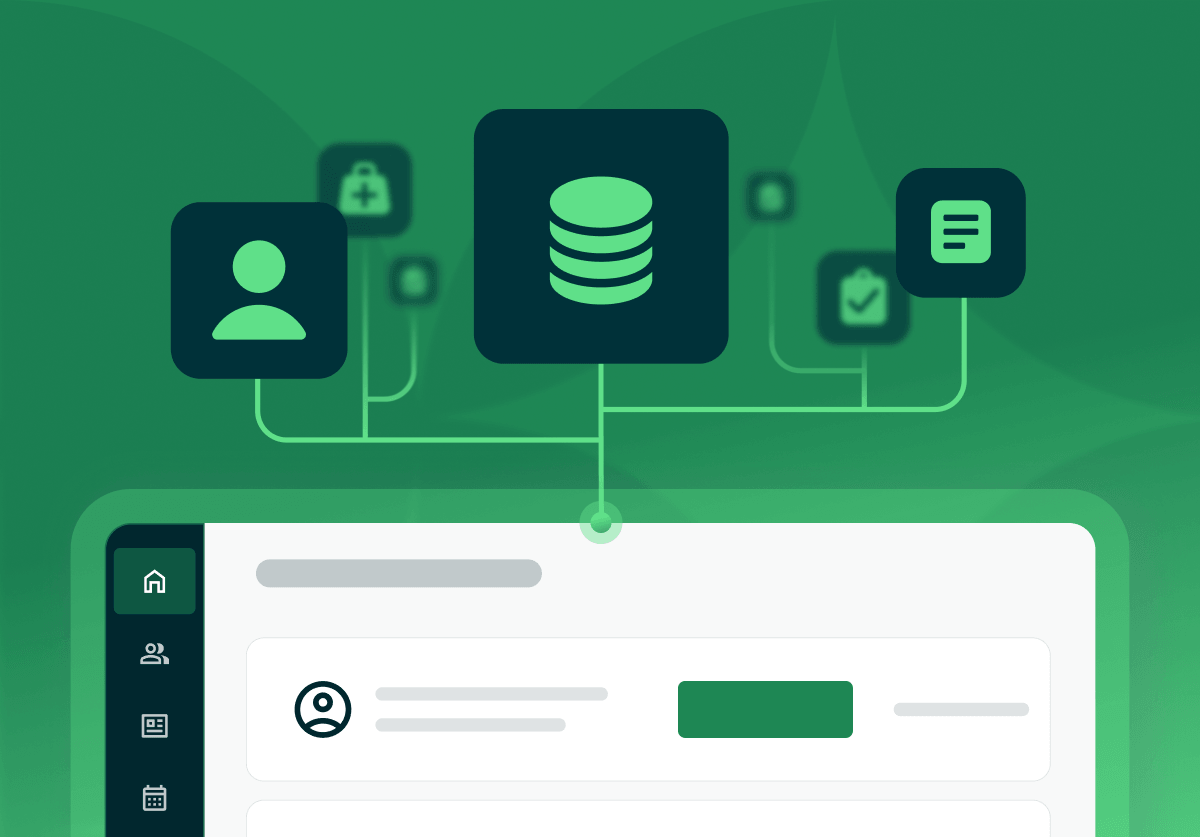
EMR integration is a connection between the system that holds your client records and another tool, such as a lab, a supplement dispensary, a payment processor, or a calendar, that moves data between the two so nobody retypes it. In Practice Better, for example, completed Rupa Health lab results sync back automatically and appear on your My Labs page (Rupa Health + Practice Better). This guide treats EMR and EHR as the same system for integration purposes, so the questions apply under either name.
The short version.
Start with the tools your client data already passes through every week. If you run a nutrition, functional medicine, or coaching practice, check five categories first: labs, a supplement dispensary, payments and insurance claims, your calendar, and telehealth.
| What you connect | What moves between the two systems | Practice Better connections |
|---|---|---|
| Lab ordering | Orders out, results back into the chart | Rupa Health, Evexia Diagnostics, Fullscript Labs |
| Supplement dispensary | Protocol recommendations out, client checkout at the dispensary | Fullscript, WholeScripts, The Natural Dispensary |
| Payments | Card, bank debit, and wallet payments on invoices, packages, and programs | Practice Better Payments |
| Insurance claims | Eligibility checks, claim submission, rejections | Claim.MD (live), Office Ally (file export) |
| Calendars | Busy times block bookings, sessions sync back | Google Calendar, Apple Calendar through Google |
| Telehealth | Video sessions launched from bookings | Built-in telehealth, Zoom |
| Client tracking apps | Food, activity, and sleep data into client journals | Apple Health, Cronometer, Fitbit, Garmin Connect, Oura |
| ePrescribing | Prescriptions sent from the client's chart | DrFirst |
| Assessments | Completed questionnaire reports into client documents | Nutri-Q, Whole Practice |
Each row links to the Practice Better page that describes how that connection works. The full list sits on the integrations page.
You start the order from the client's record, finish it in the lab platform, and the results sync back into the chart.
With Rupa Health, you order from My Practice > Labs, complete the order in your Rupa Health dashboard, and completed results appear on your My Labs page. Pending labs stay hidden until they are complete. Clients whose name and email match in both systems link automatically.
Evexia Diagnostics works the same way and adds a payment choice: set clinician-pay or patient-pay as your default and override it per order. Labs created directly in Evexia also sync back. Evexia lab ordering is unavailable for clients in New Jersey, New York, and Rhode Island, which is the kind of limit worth finding before you promise a client a test.
You build the protocol in your EMR, and the dispensary handles the cart, payment, and shipping.
In Practice Better, publishing a protocol can create a matching recommendation in Fullscript automatically, and the client completes the purchase through Fullscript's own checkout. Fullscript connects free on any paid Practice Better plan. WholeScripts mirrors your protocol the same way when you turn on that setting, and The Natural Dispensary generates a shopping cart with your practitioner discount applied when you publish.
Availability depends on the partner and your country. Fullscript is available to practitioners in the US and Canada, WholeScripts to practitioners in the US, and The Natural Dispensary to practitioners and clients in the UK. Your protocols are where all three meet the client.
Payments and claims are two separate connections, and they behave differently.
Practice Better Payments is built into the platform and powered by Stripe. Clients pay invoices by credit card, bank debit, Apple Pay, or Google Pay, and you can require billing details at booking to charge cancellation and no-show fees. In the US, online transactions start at 2.9% + $0.30, with no setup or monthly fees.
Claims are where the live-versus-export question matters. Claim.MD is Practice Better's only clearinghouse with a live, submit-from-the-portal connection: check eligibility, submit claims, view acknowledgments, and manage rejections directly from your Practice Better portal. It is available in the US, needs its own Claim.MD account, and each practitioner completes their own provider enrollment. Office Ally works through a CMS-1500/837P batch file you export from Practice Better and upload on Office Ally's site. Both count as integrations. Only one saves you the second login. See billing and insurance for the full claims workflow.
A calendar integration keeps your personal events and client sessions in one schedule so clients cannot book over your other commitments.
Google Calendar syncs with Practice Better in near real time. Busy Google events block matching times on your booking page, and sessions, tasks, and availability can sync back to Google if you turn those options on. One Google account links per Practice Better user.
Apple Calendar has no direct connection. Practice Better's Apple Calendar page routes Apple events through Google Calendar using a public calendar link, and it warns that anyone holding that link can view the calendar. Keep the link private.
Only if the built-in option leaves out something you use. Practice Better includes its own telehealth, and the Zoom integration is optional.
Practice Better names three reasons to connect Zoom: recording sessions, hosting meetings with several clients at once, and running discovery calls with prospects who have no Client Portal access. You can switch the default between Zoom and the built-in option globally or per service.
Nine questions show how a connection behaves before you depend on it. The right-hand column shows a real answer from Practice Better's own integration pages, so you can see what a specific answer looks like.
| # | Question | A specific answer, from Practice Better's pages |
|---|---|---|
| 1 | Is the connection live, or an export I upload? | Claim.MD submits from the portal. Office Ally takes an exported batch file. (Claim.MD, Office Ally) |
| 2 | Which direction does data move? | Google Calendar syncs both ways. Dropbox and Google Drive import into Practice Better only. (Google Calendar, Dropbox, Google Drive) |
| 3 | Where does the data land in the client record? | Cronometer food data goes to the Food/Mood journal and biometrics to the Lifestyle journal. Nutri-Q reports land in the client's Documents. (Cronometer, Nutri-Q) |
| 4 | Does client data leave the HIPAA-covered system? | Zapier sends client contact information to the apps you connect, and Practice Better states it is not a HIPAA-compliant option for protected health information. (Zapier) |
| 5 | Which plans and countries include it? | Rupa Health: US, Starter plan and up. Claim.MD: US only. (Rupa Health, Claim.MD) |
| 6 | What does it cost on top of my subscription? | Fullscript connects free on paid plans. DrFirst ePrescribe is a paid add-on. (Fullscript, DrFirst) |
| 7 | Can I keep my existing account with the partner? | Rupa Health takes a new or existing account. DrFirst needs a new account created through Practice Better. (Rupa Health, DrFirst) |
| 8 | How does it work for a team? | On the Team plan, the account owner links one Claim.MD account for everyone. Each practitioner sets up their own Dropbox. (Claim.MD, Dropbox) |
| 9 | What happens when I disconnect? | Unlinking Google Calendar removes synced events from both calendars. When a client unlinks Fitbit, they choose whether to keep or remove the data already synced. (Google Calendar, Fitbit) |
If a vendor answers any of these with a general promise and no specific, ask them to show you the setting or the help page that carries the answer.
Any connection that sends client information to a tool your business associate agreement does not cover. Ask about each one by name.
Practice Better's own guide to HIPAA compliant practice management software gives the check: write down every place a client's information lands in a normal week, then mark which of those tools you hold a BAA with. The unmarked rows are your exposure. Integrations belong on that list. The Zapier page is a model of the disclosure to look for: it tells you client contact information leaves Practice Better, asks you to inform clients before you connect it, and states plainly that it is not a HIPAA-compliant option for protected health information.
If your client data already passes through two or three of the tools in the table above, check whether one platform connects to all of them before you add another login. Practice Better's EHR and practice management software guide covers the bigger version of that decision, and the switching guide covers moving your records.
Start a free trial of Practice Better and connect your lab, dispensary, and calendar in your first week.
{{ehr-migration-checklist}}
{{free-trial-simple-text}}

EMR integration is a connection between the system that holds your client records and another tool, such as a lab, a supplement dispensary, a payment processor, or a calendar, that moves data between the two so nobody retypes it. In Practice Better, for example, completed Rupa Health lab results sync back automatically and appear on your My Labs page (Rupa Health + Practice Better). This guide treats EMR and EHR as the same system for integration purposes, so the questions apply under either name.
The short version.
Start with the tools your client data already passes through every week. If you run a nutrition, functional medicine, or coaching practice, check five categories first: labs, a supplement dispensary, payments and insurance claims, your calendar, and telehealth.
| What you connect | What moves between the two systems | Practice Better connections |
|---|---|---|
| Lab ordering | Orders out, results back into the chart | Rupa Health, Evexia Diagnostics, Fullscript Labs |
| Supplement dispensary | Protocol recommendations out, client checkout at the dispensary | Fullscript, WholeScripts, The Natural Dispensary |
| Payments | Card, bank debit, and wallet payments on invoices, packages, and programs | Practice Better Payments |
| Insurance claims | Eligibility checks, claim submission, rejections | Claim.MD (live), Office Ally (file export) |
| Calendars | Busy times block bookings, sessions sync back | Google Calendar, Apple Calendar through Google |
| Telehealth | Video sessions launched from bookings | Built-in telehealth, Zoom |
| Client tracking apps | Food, activity, and sleep data into client journals | Apple Health, Cronometer, Fitbit, Garmin Connect, Oura |
| ePrescribing | Prescriptions sent from the client's chart | DrFirst |
| Assessments | Completed questionnaire reports into client documents | Nutri-Q, Whole Practice |
Each row links to the Practice Better page that describes how that connection works. The full list sits on the integrations page.
You start the order from the client's record, finish it in the lab platform, and the results sync back into the chart.
With Rupa Health, you order from My Practice > Labs, complete the order in your Rupa Health dashboard, and completed results appear on your My Labs page. Pending labs stay hidden until they are complete. Clients whose name and email match in both systems link automatically.
Evexia Diagnostics works the same way and adds a payment choice: set clinician-pay or patient-pay as your default and override it per order. Labs created directly in Evexia also sync back. Evexia lab ordering is unavailable for clients in New Jersey, New York, and Rhode Island, which is the kind of limit worth finding before you promise a client a test.
You build the protocol in your EMR, and the dispensary handles the cart, payment, and shipping.
In Practice Better, publishing a protocol can create a matching recommendation in Fullscript automatically, and the client completes the purchase through Fullscript's own checkout. Fullscript connects free on any paid Practice Better plan. WholeScripts mirrors your protocol the same way when you turn on that setting, and The Natural Dispensary generates a shopping cart with your practitioner discount applied when you publish.
Availability depends on the partner and your country. Fullscript is available to practitioners in the US and Canada, WholeScripts to practitioners in the US, and The Natural Dispensary to practitioners and clients in the UK. Your protocols are where all three meet the client.
Payments and claims are two separate connections, and they behave differently.
Practice Better Payments is built into the platform and powered by Stripe. Clients pay invoices by credit card, bank debit, Apple Pay, or Google Pay, and you can require billing details at booking to charge cancellation and no-show fees. In the US, online transactions start at 2.9% + $0.30, with no setup or monthly fees.
Claims are where the live-versus-export question matters. Claim.MD is Practice Better's only clearinghouse with a live, submit-from-the-portal connection: check eligibility, submit claims, view acknowledgments, and manage rejections directly from your Practice Better portal. It is available in the US, needs its own Claim.MD account, and each practitioner completes their own provider enrollment. Office Ally works through a CMS-1500/837P batch file you export from Practice Better and upload on Office Ally's site. Both count as integrations. Only one saves you the second login. See billing and insurance for the full claims workflow.
A calendar integration keeps your personal events and client sessions in one schedule so clients cannot book over your other commitments.
Google Calendar syncs with Practice Better in near real time. Busy Google events block matching times on your booking page, and sessions, tasks, and availability can sync back to Google if you turn those options on. One Google account links per Practice Better user.
Apple Calendar has no direct connection. Practice Better's Apple Calendar page routes Apple events through Google Calendar using a public calendar link, and it warns that anyone holding that link can view the calendar. Keep the link private.
Only if the built-in option leaves out something you use. Practice Better includes its own telehealth, and the Zoom integration is optional.
Practice Better names three reasons to connect Zoom: recording sessions, hosting meetings with several clients at once, and running discovery calls with prospects who have no Client Portal access. You can switch the default between Zoom and the built-in option globally or per service.
Nine questions show how a connection behaves before you depend on it. The right-hand column shows a real answer from Practice Better's own integration pages, so you can see what a specific answer looks like.
| # | Question | A specific answer, from Practice Better's pages |
|---|---|---|
| 1 | Is the connection live, or an export I upload? | Claim.MD submits from the portal. Office Ally takes an exported batch file. (Claim.MD, Office Ally) |
| 2 | Which direction does data move? | Google Calendar syncs both ways. Dropbox and Google Drive import into Practice Better only. (Google Calendar, Dropbox, Google Drive) |
| 3 | Where does the data land in the client record? | Cronometer food data goes to the Food/Mood journal and biometrics to the Lifestyle journal. Nutri-Q reports land in the client's Documents. (Cronometer, Nutri-Q) |
| 4 | Does client data leave the HIPAA-covered system? | Zapier sends client contact information to the apps you connect, and Practice Better states it is not a HIPAA-compliant option for protected health information. (Zapier) |
| 5 | Which plans and countries include it? | Rupa Health: US, Starter plan and up. Claim.MD: US only. (Rupa Health, Claim.MD) |
| 6 | What does it cost on top of my subscription? | Fullscript connects free on paid plans. DrFirst ePrescribe is a paid add-on. (Fullscript, DrFirst) |
| 7 | Can I keep my existing account with the partner? | Rupa Health takes a new or existing account. DrFirst needs a new account created through Practice Better. (Rupa Health, DrFirst) |
| 8 | How does it work for a team? | On the Team plan, the account owner links one Claim.MD account for everyone. Each practitioner sets up their own Dropbox. (Claim.MD, Dropbox) |
| 9 | What happens when I disconnect? | Unlinking Google Calendar removes synced events from both calendars. When a client unlinks Fitbit, they choose whether to keep or remove the data already synced. (Google Calendar, Fitbit) |
If a vendor answers any of these with a general promise and no specific, ask them to show you the setting or the help page that carries the answer.
Any connection that sends client information to a tool your business associate agreement does not cover. Ask about each one by name.
Practice Better's own guide to HIPAA compliant practice management software gives the check: write down every place a client's information lands in a normal week, then mark which of those tools you hold a BAA with. The unmarked rows are your exposure. Integrations belong on that list. The Zapier page is a model of the disclosure to look for: it tells you client contact information leaves Practice Better, asks you to inform clients before you connect it, and states plainly that it is not a HIPAA-compliant option for protected health information.
If your client data already passes through two or three of the tools in the table above, check whether one platform connects to all of them before you add another login. Practice Better's EHR and practice management software guide covers the bigger version of that decision, and the switching guide covers moving your records.
Start a free trial of Practice Better and connect your lab, dispensary, and calendar in your first week.
{{ehr-migration-checklist}}
{{free-trial-simple-text}}